

Quick Answer: The small business website mistakes that cost the most customers are vague messaging, no single next step, hidden contact details, thin service pages, missing tracking, and weak ownership of your own accounts. Most can be fixed without a full rebuild. Fix clarity, tracking, and ownership first, because they affect every visitor, then run the fifteen-minute self-audit below.
Key Takeaways
- Say what you do, for whom, and where, in customer language.
- Give each page one clear next step.
- Build a page for each main service.
- Track calls and forms so you know which pages produce leads.
- 4Arcs Consulting builds and improves websites for small businesses.
In This Guide
- Which Small Business Website Mistakes Cost the Most Customers?
- Does Your Website Say What You Do?
- Is There One Clear Next Step on Each Page?
- Can Visitors Find Your Contact Details Fast?
- Do You Have a Page for Every Main Service?
- Can You Tell Which Pages Produce Leads?
- Does Your Website Show Trust Signals?
- Do Your Forms Actually Work?
- Is Your Website Accessible?
- Is Your Site Fast and Easy to Use on a Phone?
- Do You Control Your Own Website?
- What Is a Fifteen-Minute Website Self-Audit?
- What Does Fixing These Mistakes Look Like in Practice?
- When Should You Rebuild Instead of Fix?
- Conclusion
Which Small Business Website Mistakes Cost the Most Customers?
The costliest mistakes are the ones every visitor meets: unclear messaging, no single next step, hidden contact details, thin service pages, and missing tracking. The table lists each mistake with the symptom you can observe and the fix. The order is our suggested priority, based on how many visitors each problem affects.
| Mistake | Symptom you can see | Fix |
|---|---|---|
| Vague messaging | Visitors cannot say what you sell | Rewrite the headline in customer language |
| No clear next step | Many buttons, few inquiries | One main action per page |
| Hidden contact details | Callers say they could not find you | Number in header, footer, and contact page |
| Thin service pages | One “Services” page covers everything | One page per main service |
| No tracking | You cannot name your best page | Track calls and forms |
| Broken forms | Fewer inquiries than expected | Test weekly |
| Weak ownership | A former developer holds the logins | Move the domain and accounts to you |
Does Your Website Say What You Do?
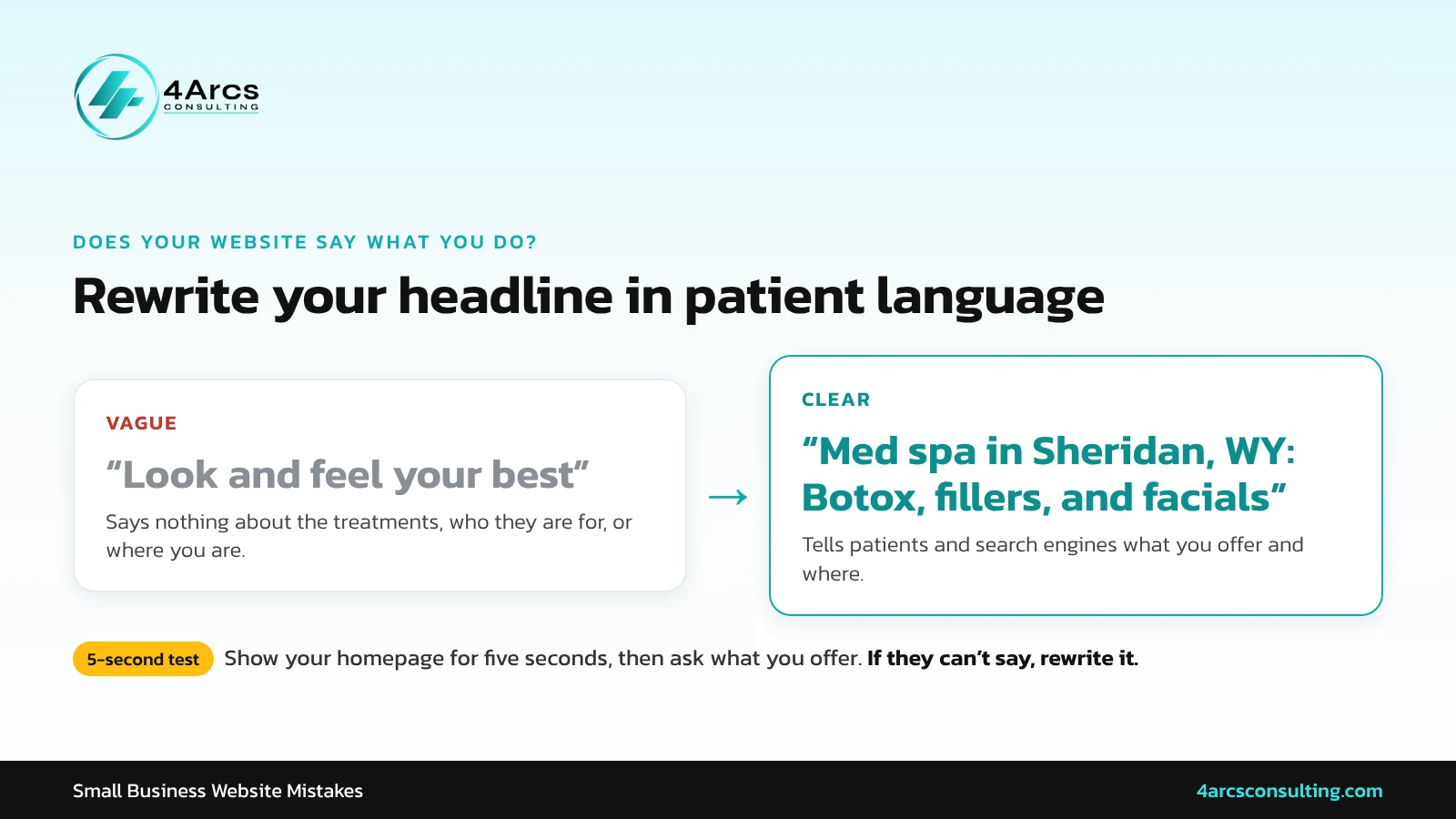
Visitors decide within seconds whether a page can help them, so state your service, audience, and location plainly. Phrases like “look and feel your best” say nothing. A headline such as “Med spa in Sheridan, WY: Botox, fillers, and facials” tells visitors and search engines what you offer and where you offer it.
Test it by showing your homepage to someone for five seconds, then asking what you sell. If they cannot say, rewrite the headline.
Is There One Clear Next Step on Each Page?
Pick one primary action per page, such as call, book, or request a quote, and repeat it after each section. Five equal buttons confuse visitors. Secondary links should look quieter than the main button so the main action stands out without crowding the page. To check whether a change like this brings in more inquiries, learn how to measure your conversion rate.
Can Visitors Find Your Contact Details Fast?
Put your phone number, address, and hours in the header, footer, and contact page. On mobile, the number should start a call when tapped. If you serve a region, show a map and name your service area. Visitors who cannot find these details quickly often leave and call someone else.
Do You Have a Page for Every Main Service?
One “Services” page cannot rank well in search for every service. Give each main service its own page with a direct answer, a short process, proof, and common questions. Thin pages also give AI tools nothing worth quoting. A page that answers one question well beats a page that mentions ten services briefly.
- A direct answer in the first two or three sentences
- Who the service is for and where you offer it
- How it works, step by step
- Proof such as reviews or results you can support
- One clear next step
Can You Tell Which Pages Produce Leads?
Without conversion tracking, you are guessing. Track form submissions and phone calls, and connect them to the page and source that produced them. Set tracking up before spending on Google Ads or SEO. Even a simple spreadsheet beats having no record at all.
| What to track | Why |
|---|---|
| Phone calls | Many customers call instead of filling out forms |
| Form submissions | Shows which pages convert |
| Direction requests | Matters for local, in-person businesses |
| Source of each lead | Shows which channel earns its cost |
Does Your Website Show Trust Signals?
New visitors look for proof that you are real and good at what you do. Place reviews near the main button, credentials on service pages, real photos throughout, and local details in the header and footer. Stock photos and unsigned testimonials weaken trust.
| Trust signal | Where to place it |
|---|---|
| Reviews | Near the main button |
| Credentials and licenses | About and service pages |
| Real team and work photos | Throughout |
| Local details | Header, footer, contact page |
Do Your Forms Actually Work?
A form that fails silently loses leads you never knew about. Submit a test entry weekly, confirm that you receive it, and check your spam folder. Keep forms short, and make sure the confirmation message tells visitors what happens next. Test on both phone and desktop.
Is Your Website Accessible?
Sites that are hard to use for people with disabilities lose customers and may face complaints. The Department of Justice’s web accessibility guidance, published March 18, 2022, names barriers such as poor color contrast, missing image text, and forms that cannot be used with a keyboard.
The W3C explains what accessibility is and who benefits. This is general information, not legal advice.
Is Your Site Fast and Easy to Use on a Phone?
Slow loading and cramped mobile layouts lose visitors. Google publishes Core Web Vitals targets of 2.5 seconds for largest contentful paint, 200 milliseconds for interaction to next paint, and 0.1 for layout shift, in its Core Web Vitals documentation (last updated December 10, 2025).
Compress images, remove unused plug-ins, and test on a real phone over mobile data. For more on layout and readability, see why a high-performing website matters.
Do You Control Your Own Website?
Confirm that the domain is registered in your name or company, that you hold admin access to the site and hosting, and that backups and security updates run on a schedule. Many owners discover too late that a former developer controls the domain or logins.
| Asset | Who should own it |
|---|---|
| Domain name | You |
| Website and hosting | You |
| Analytics and Search Console | You |
| Google Business Profile | You |
| Ad accounts | You |
What Is a Fifteen-Minute Website Self-Audit?
A quick self-audit finds the biggest problems. Load your homepage on your phone, ask someone to find your phone number in ten seconds, count the buttons on your busiest page, submit your contact form, confirm analytics is recording, and search your main service plus your town.
- Load the homepage on a phone.
- Ask someone to find your phone number in ten seconds.
- Count the buttons on your busiest page.
- Submit the contact form and confirm it arrives.
- Confirm analytics is recording calls and forms.
- Search your main service plus your town.
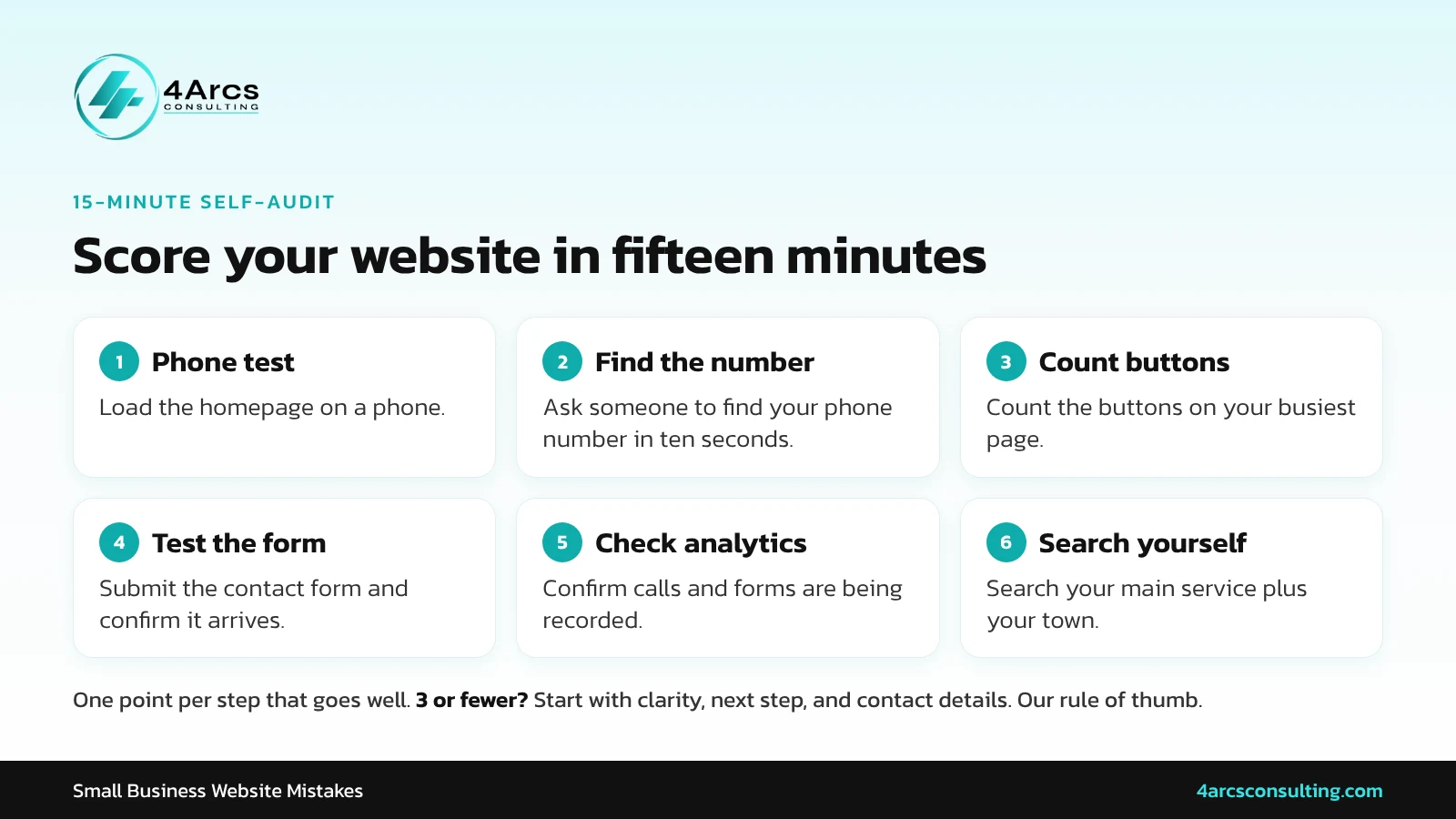
Give yourself one point for each step that goes well. Three or fewer suggests starting with the first three rows of the mistakes table. This scoring is our own rule of thumb, not an industry standard.
What Does Fixing These Mistakes Look Like in Practice?

Fixing these mistakes usually means a clearer website, not just a prettier one. NTRL + NAKD Skin Spa in Fort Smith, AR came to us because its original website was not showcasing its expertise or generating client inquiries. The redesign added clear calls to action, a mobile-responsive layout, faster pages, and a clearer presentation of each service.
Alongside SEO work, the success story reports a 20% improvement in organic conversion rate and 150% growth in online bookings. These results are self-reported, the case study does not state a timeframe, and results vary by business.
When Should You Rebuild Instead of Fix?
Rebuild when the site cannot be made fast, mobile friendly, or editable by your team, or when it sits on a platform that locks your content in. Otherwise fix problems in order of impact. A rebuild without a plan for redirects and content can lose the visibility you already have.
Our conversion rate optimization page lists visitor behavior tracking, heat maps, form optimization, and button and layout testing, and says the team does not make permanent changes without testing them first. At 4Arcs, we also offer website design for businesses that need a rebuild.
Conclusion
The costliest website mistakes are unclear messaging, no single next step, thin service pages, and missing tracking. Fix them in that order of impact before considering a rebuild, and run the fifteen-minute audit every quarter. A clear, fast, trackable site makes every other marketing channel work better. 4Arcs Consulting can help you find your biggest gaps, so request a free audit.
Want a Professional Second Look at Your Website?
FAQs
Ans. One for each main service, plus about, contact, and any location pages. Add more only when you have something useful to say, because thin pages dilute the site.
Ans. Only if it answers real customer questions. A blog full of generic posts adds little.
Ans. Yes, if it is fast, clear, and customized to your offer. Many small businesses do well with one.
Ans. Usually, if you collect personal information. Ask a qualified professional what yours should say.
Ans. Run the fifteen-minute audit every quarter. Review pages whenever a service, price, or contact detail changes.
Ans. It depends on the scope, so ask for a written quote that lists what is included. Compare quotes by deliverables, not price alone.




What do you think?
[…] comparing agency quotes, read how to measure marketing ROI for a small business so you know which results to ask […]
Comments are closed.