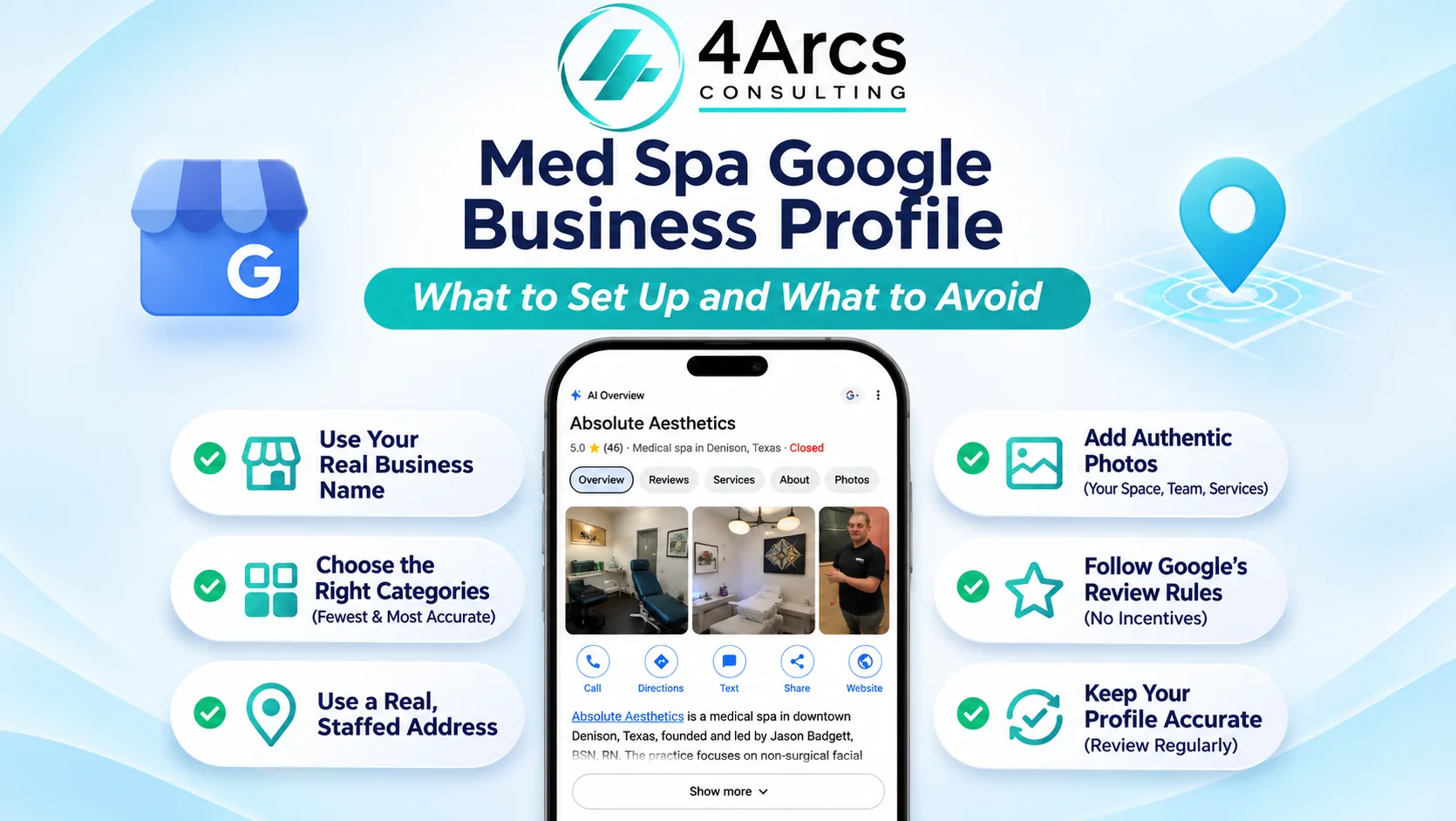
Quick Answer: A med spa Google Business Profile should use your real business name, the fewest accurate categories, a real staffed address, honest photos and services, and no incentives for reviews. Google’s guidelines set these rules, and Google says it can suspend profiles that break them. Check each field in the table below, and fix the name and categories first.
Key Takeaways
- Use your real-world business name, with no keywords or taglines.
- Pick the fewest, most specific categories that describe what the business is.
- Use a real, staffed address, not a virtual office or a mailbox.
- Never offer payment, discounts, or free services in exchange for reviews.
- 4Arcs Consulting provides SEO services for med spas, and a free audit can include a look at your profile.
In This Guide
- What Does a Med Spa Google Business Profile Need?
- What Name Should a Med Spa Use?
- Which Categories Should a Med Spa Choose?
- Does Your Address Count as a Staffed Location?
- Can Providers Have Their Own Profiles?
- How Should You Describe Treatments?
- What Photos Belong on a Med Spa Profile?
- What Are Google’s Rules for Reviews?
- How Do You Keep a Med Spa Google Business Profile Accurate?
- Conclusion
What Does a Med Spa Google Business Profile Need?
A med spa profile needs five things to match Google’s guidelines: a name that matches your real signage, accurate categories, a physical staffed address, correct provider listings, and review practices that follow Google’s policy. Get these right before you spend time on photos or posts. The table summarizes each rule.
| Field | What Google’s guidelines say | What to check at a med spa |
|---|---|---|
| Name | Match the real-world name on your storefront and website. No taglines, descriptions, or location details | Remove treatments and city names from the name |
| Categories | Choose the fewest categories that describe your core business, as specifically as possible | Check the category list in your profile editor |
| Address | Use the precise, real-world address. No P.O. boxes or virtual offices | Use the treatment location |
| Practitioners | Public-facing practitioners may have profiles if they can be contacted directly at the location | Confirm that each provider qualifies |
| Reviews | No incentives for reviews, and fake engagement is removed | Review how you ask for reviews |
The first four rows come from Google’s guidelines for representing your business. The page shows no date, so recheck it when you set up or change a profile.
What Name Should a Med Spa Use?
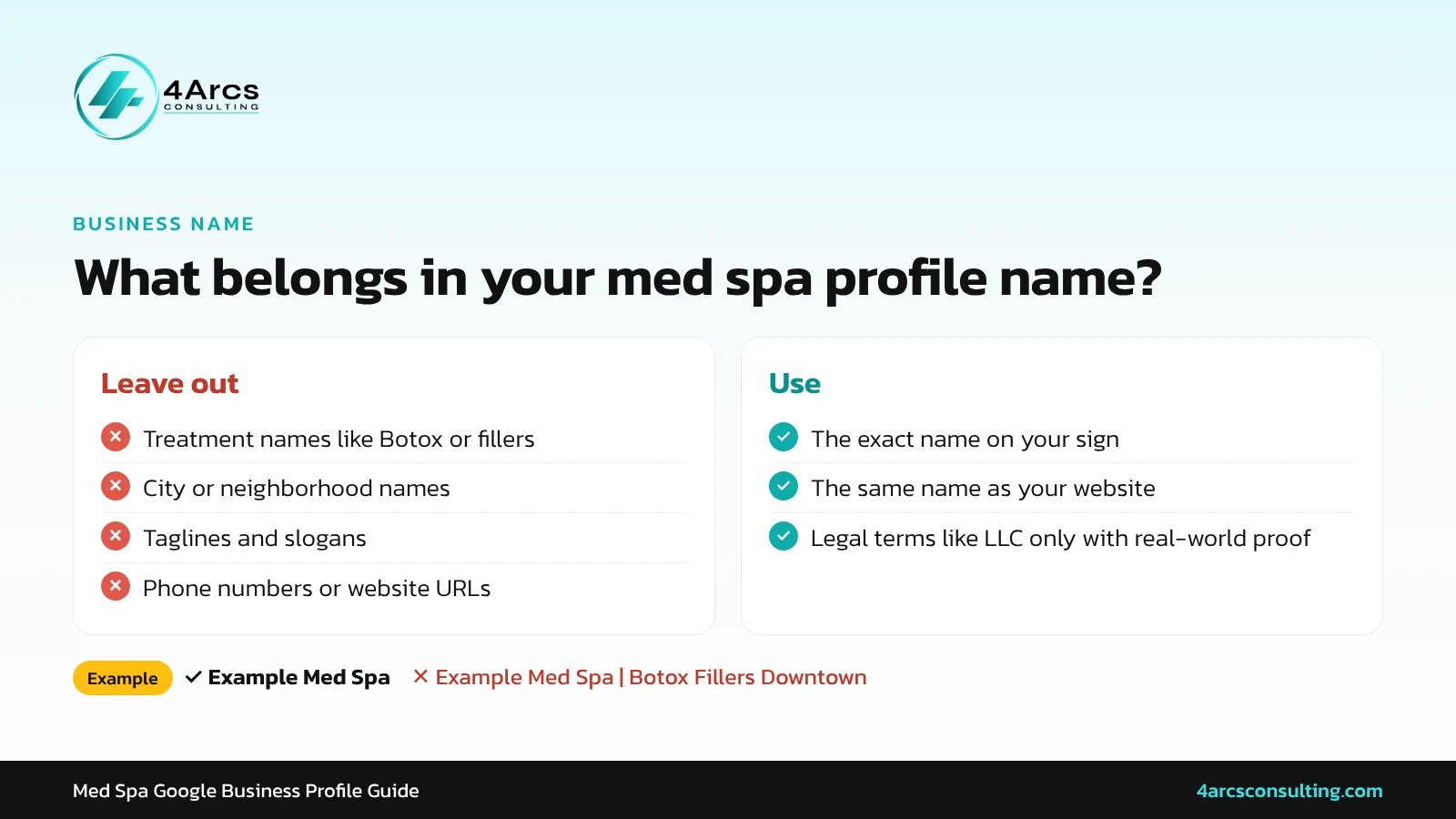
Use the name on your sign, website, and paperwork, and nothing more. Google’s guidelines say not to add marketing taglines, store codes, descriptions, hours, phone numbers, or location details to the business name. Stuffing treatments and city names into the name is the most common mistake, and it is easy to fix.
Illustrative example: If your sign says “Example Med Spa”, the profile name should be “Example Med Spa”, not “Example Med Spa | Botox Fillers Laser Downtown”. If your legal name includes “LLC”, Google says legal terms are allowed only with real-world proof, such as signage or invoices.
Which Categories Should a Med Spa Choose?
Choose the fewest categories that describe your core business, and make them as specific as possible. Google’s guidelines say to pick categories that complete the sentence “This business is a…”, not categories for what you sell or have on site. Do not add a category that describes a separate business inside or around yours.
Google’s category list can change, so check the current options in your profile editor. If no category matches exactly, pick the closest accurate one instead of adding several loosely related ones.
Does Your Address Count as a Staffed Location?
Use the precise, real-world address where your team treats patients. Google’s guidelines say P.O. boxes and remote mailboxes are not acceptable, and virtual offices are not eligible for a profile. A co-working space counts only if it has clear signage, receives customers during business hours, and is staffed by your own team then.
Put the street address on line one and your suite or floor on line two. Each physical location should have no more than one profile. If you run two locations with their own staff, each can have its own.
Can Providers Have Their Own Profiles?
Sometimes. Google’s guidelines say public-facing practitioners, such as doctors, dentists, lawyers, financial planners, and real estate agents, may have their own profile if customers can contact them directly at the verified location during stated hours. Support staff are not eligible, and one practitioner should not have several profiles.
The guidelines name those examples, so confirm whether your provider type fits before creating a profile. If several providers work at one location, the med spa keeps the location profile, and each provider’s profile is named for that person only. If one provider is the only public-facing practitioner at your med spa, Google’s guidelines say it is best to share a single profile named “[brand]: [practitioner name]”.
How Should You Describe Treatments?
Write the description in plain language: what you offer, where you are, and who you serve. List only treatments you actually provide, avoid guarantees, and keep claims you can support. Google’s content policy does not allow deceptive or misleading health or medical information, so accuracy protects the profile as well as patients.
Illustrative description: “We offer facials, injectables, and laser treatments at our med spa in [town]. A licensed provider reviews your goals and health history at every consultation.” Have your medical director approve the final wording.
What Photos Belong on a Med Spa Profile?
Use real photos of your exterior, entrance, treatment rooms, and team. They help patients recognize the location and know what to expect before they arrive. Post patient photos only with written, specific consent, and avoid stock images that misrepresent your space or your team. Before you post any patient photo, read our guide to before-and-after photo consent.
Add new photos on a regular schedule and remove outdated ones. Photos of a renovated lobby or a new provider tell visitors the profile is current.
What Are Google’s Rules for Reviews?
Google’s prohibited and restricted content policy bans offering incentives for reviews, such as payment, discounts, or free goods or services. It also bars discouraging negative reviews or selectively soliciting positive ones, and it removes fake engagement. A review request should go to every patient, in the same words, with no reward attached.
A genuine review describes a real experience in the customer’s own words, and that detail is what makes it persuasive. Here is a line from a client review on our own Google Business Profile:
★★★★★
“I always feel like I’m getting individualized care and not just a number.”
Kristina Collins, Google review of 4Arcs Consulting
No reward can buy that kind of detail. Ask every patient for honest feedback, and let their own words do the work.
See Google’s prohibited and restricted content policy, which shows no date. For earning and replying to reviews, read our guide to med spa online reviews.
How Do You Keep a Med Spa Google Business Profile Accurate?
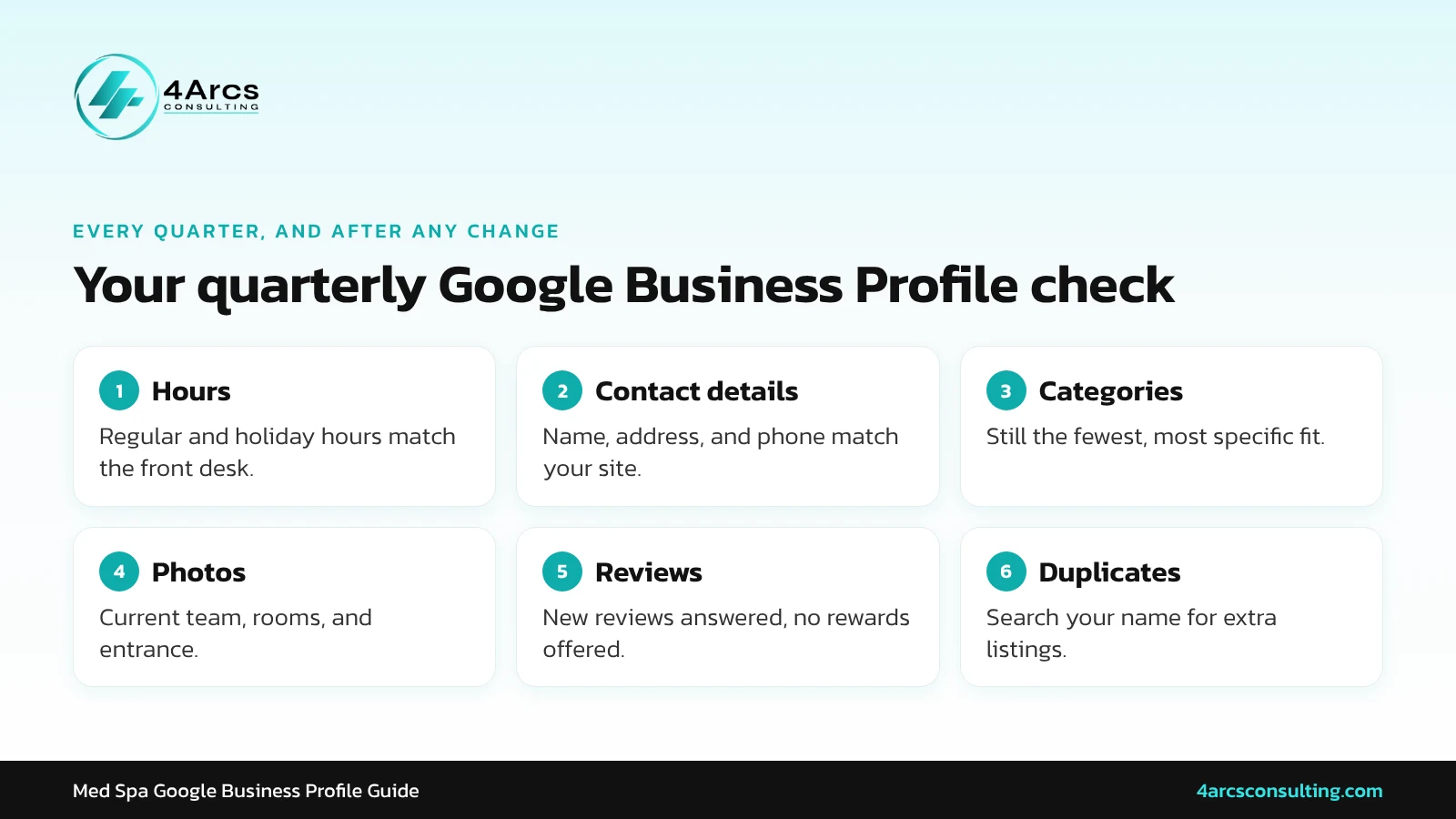
Review the profile every quarter and whenever anything changes: hours, holiday hours, phone number, website link, providers, and services. Search for your business name to check for duplicates, because Google’s guidelines allow one profile per physical location. Fix errors quickly so patients do not arrive at a closed door.
- Confirm hours, including holidays.
- Check the name, address, and phone number.
- Review categories and the description.
- Remove outdated photos and add current ones.
- Reply to new reviews.
- Search for duplicate profiles.
Consistent details across the web matter too. For rADiant Wellness & Aesthetics, we built local citations and optimized local SEO, and the med spa reached a #1 ranking in local search results. Results vary by med spa.
Conclusion
Set up your med spa profile with the real name on your sign, the fewest accurate categories, a staffed address, and honest photos and descriptions. Ask every patient for reviews the same way and never attach a reward. Recheck Google’s guidelines and your profile each quarter, because both can change. For help with local search, explore our med spa SEO services or request a free audit.
Want a Second Opinion on Your Profile?
FAQs
Ans. Yes, anyone can suggest an edit to your profile. For some suggestions, Google notifies you and gives you four days to accept or reject them, and it may publish an unanswered edit that other public information supports. Check your profile and notification emails regularly, and keep a record of the correct details.
Ans. Only with written, specific patient consent that covers this use. Show honest results and avoid implying they are typical.
Ans. Google’s guidelines say each physical location should have no more than one profile. A second staffed location can have its own.
Ans. List only prices you will honor and that match your website, and update them when they change. Google’s guidelines also say any promotion should link to clear terms.
Ans. Report it through Google’s tools instead of replying in anger. Google says fake engagement is removed.
Ans. Choose the closest accurate category. Do not add categories that describe a separate business.